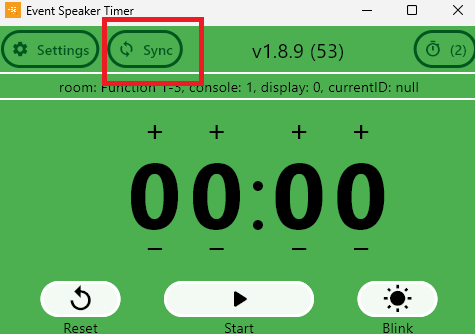
After setting up the Event Speaker Timer. We may need to obtain the countdown time.
As we are using Event Speaker Timer with Event Presenter App, so we could use Timer as console mode in Event Presenter’s each session detail “Send All Duration”.
Please refer to below instruction on using it:
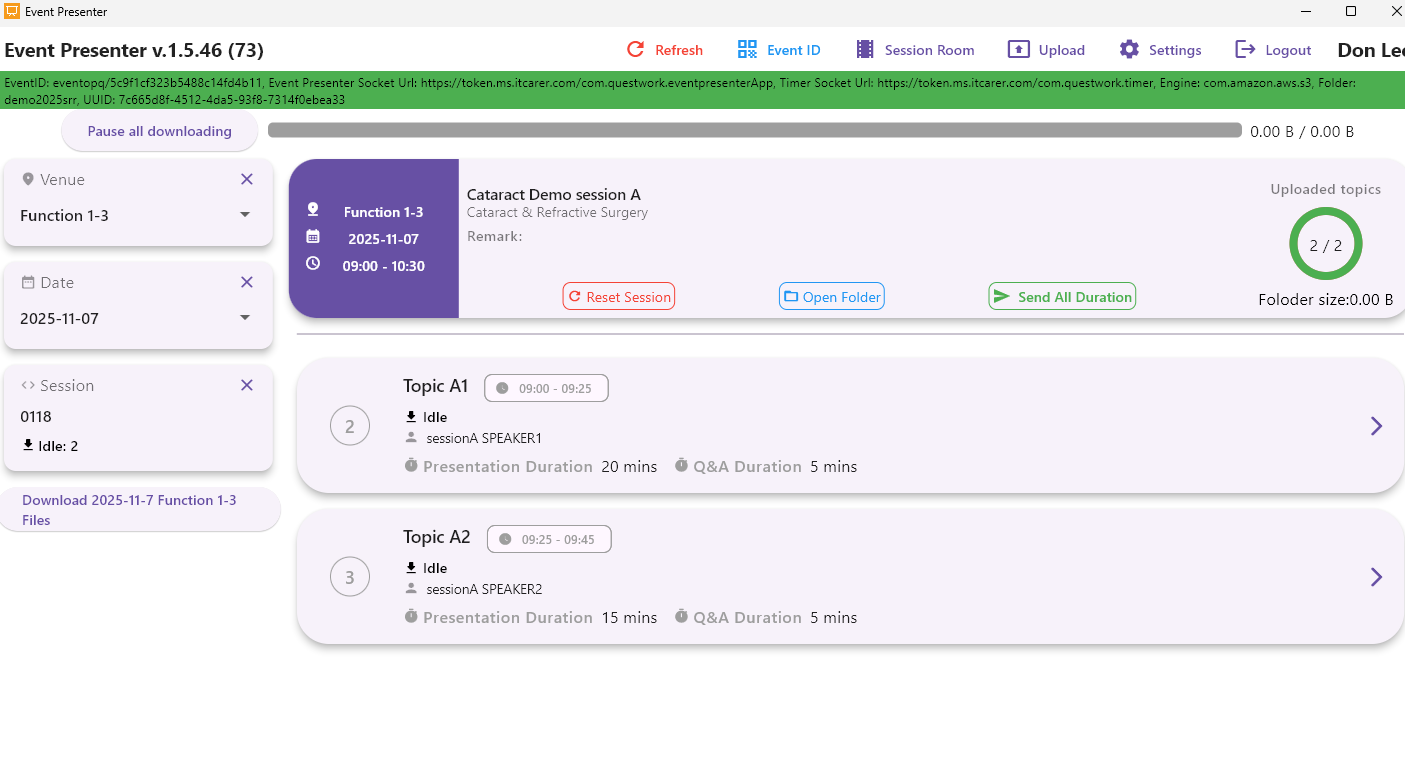
- Select the corresponding venue, date and session in Event Presenter app.
- On the upper part of the session detail page, click the “Send All Duration” button, and all the speaking times of the current session’s topics will be sent to the Event Speaker Timer app.
- After the sending is completed, please open the Event Speaker Timer app to view:
– The right list will display the sequence number, speaker name, duration and part of topic name for each topic.
– After selecting the corresponding duration by the sequence number, all the Event Speaker Timer devices in the same room will synchronously display this duration.
- Notes:
– Some Timers are not synchronized: If the time on most devices is consistent, but some Timers show different times, you can click the “Sync” button in the console mode for the timer.